 The scariest moment is just before you leave the save room.
Regarding the implementation process of this blog site
This article was machine-translated. Read the original (日本語)
From Empty Repository to Completion – Implementation Flow (Phases 0-8)
We started by writing a plan and then divided it into phases. However, the actual implementation didn't exactly match the plan. To put it simply, the biggest difference between is that the plan had only 7 phases, with audio and video implementation left "for later". However, in reality, we added phase 8 and completed the audio and video support implementation.
Phase 0 – Building the Foundation
First, we built the foundation.
- Created
git init, a GitHub repository. - Launched pnpm workspaces + Turborepo, and created the skeleton for
apps/webandapps/console(both Next.js 16 / App Router / TypeScript),packages/dbandpackages/content. - Configured the shared tsconfig / ESLint / Prettier, and
turbo run build|dev|lint. - Created
.env.exampleper application.
Phase 1 ── Database and Shared Packages
After the foundation, we moved on to the heart of the project.
-
packages/db: Define the schema for all tables in Drizzle, generate migrations, and apply them to Supabase. Storage bucket policies are also managed via migrations. -
Seed Script: Insert several sample articles with translations, tags, images, and links.
-
packages/content: Markdown pipeline, shortcode registry, React rendering components (CSS Modules).
Here, the two pillars on which all later features will be built—"typed data layer" and "shared body rendering"—are established. Solidifying these two first made the later stages much easier.
Phase 2 ── Console: Authentication and CRUD Operations for Posts
We began building the article editor.
-
Supabase Auth (GitHub OAuth). Middleware blocks sessions whose email address does not match
ADMIN_EMAIL. All console routes are protected. -
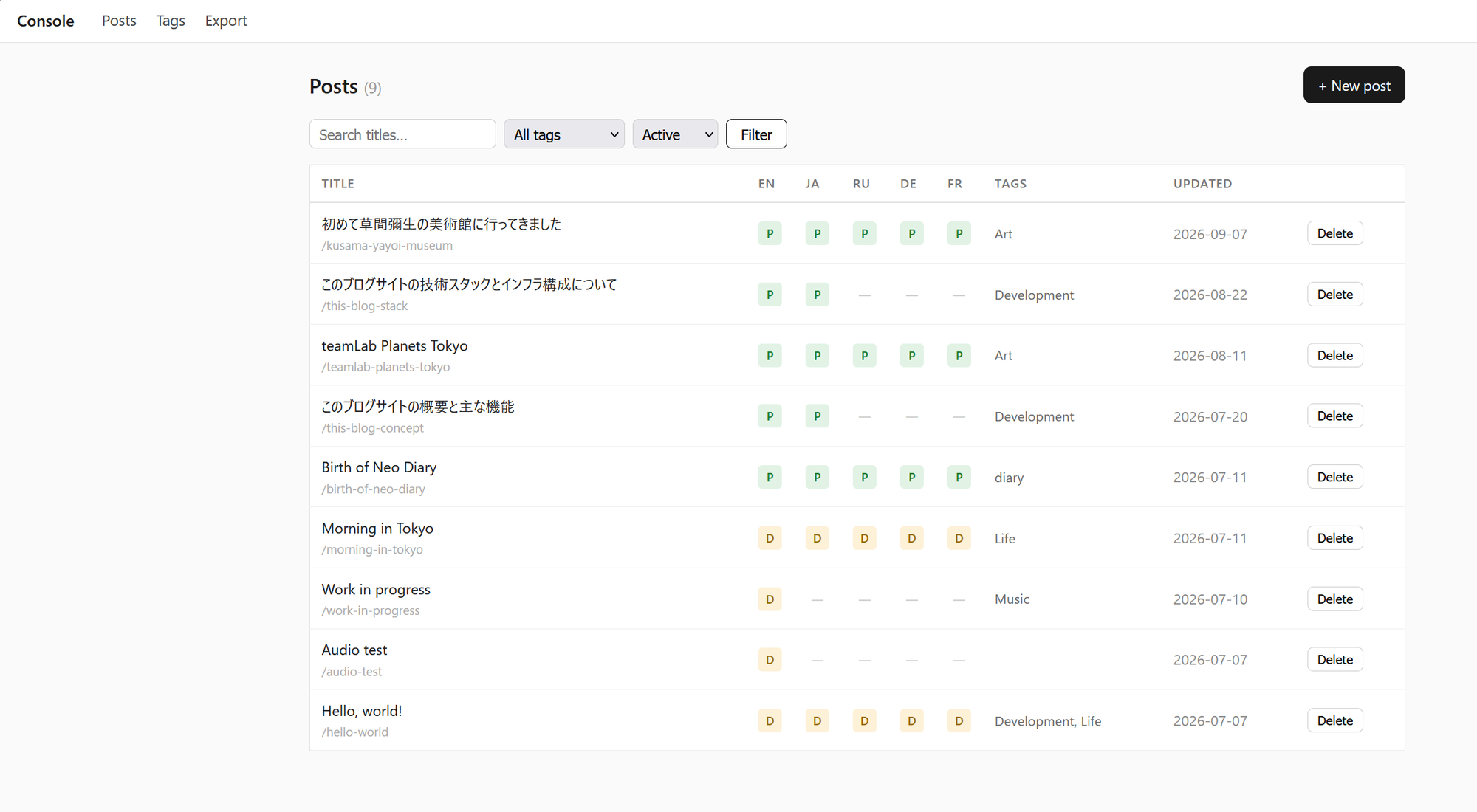
Article List: Paging, status display in 5 languages (Draft/Published/Not Created per each language), title search, tag filtering, logical deletion and restoration with confirmation.
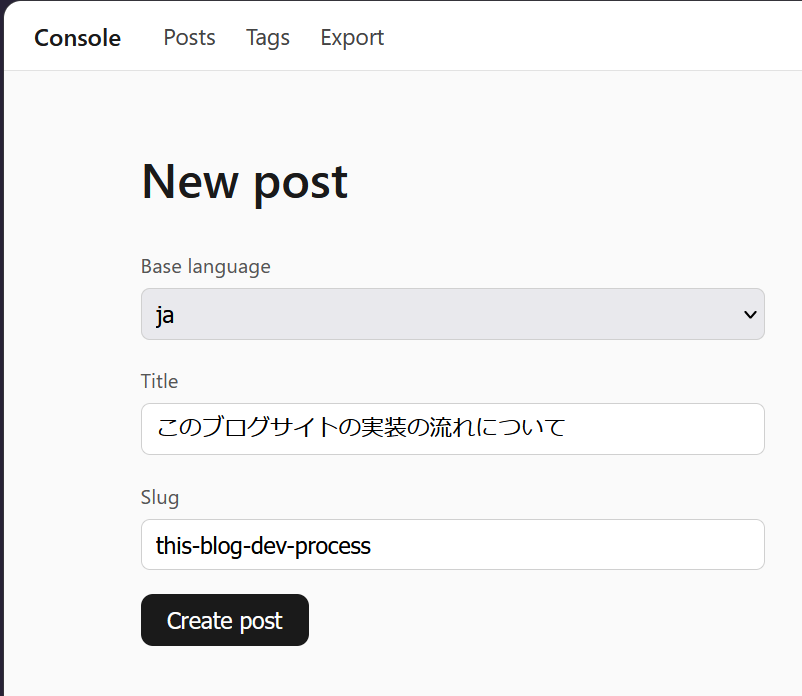
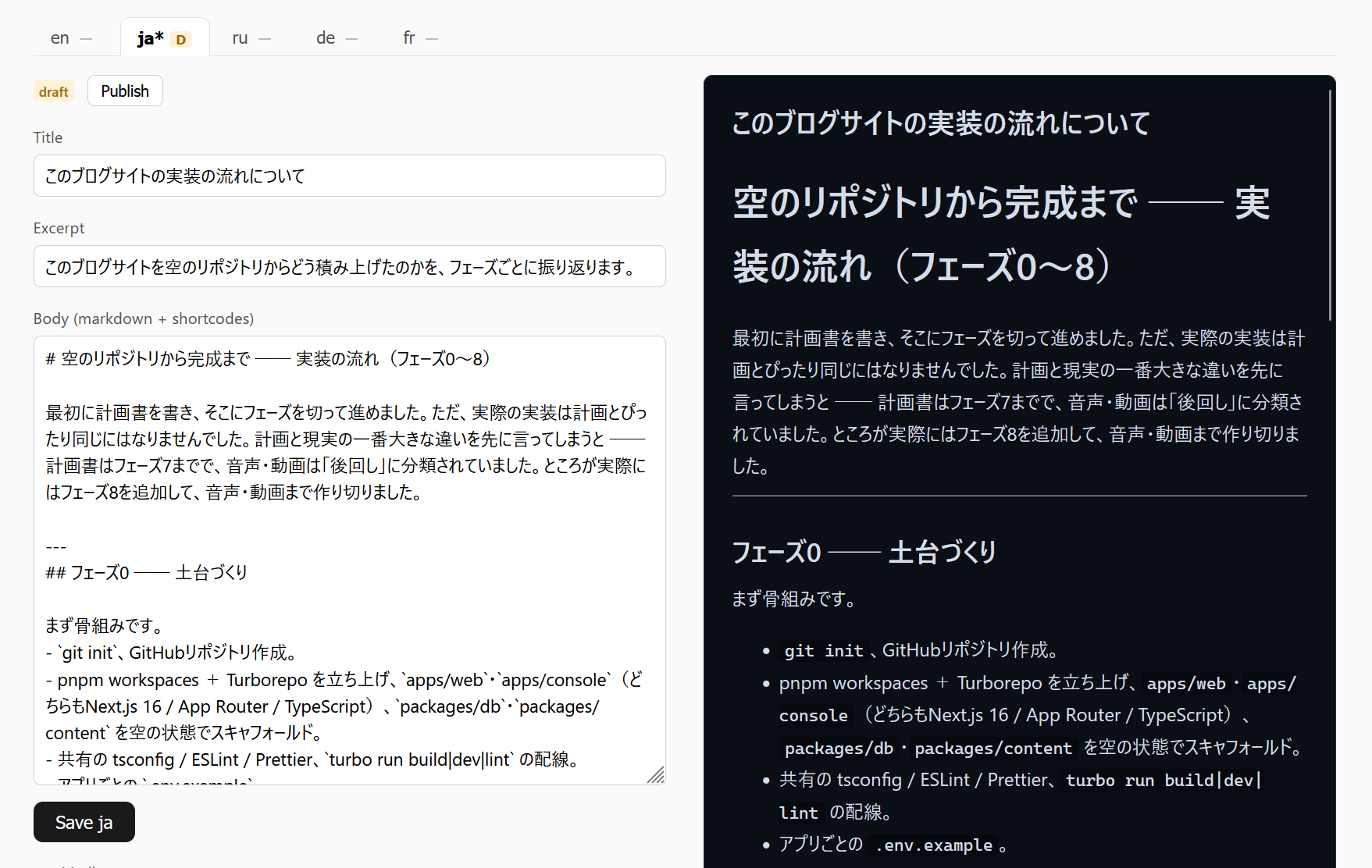
- Article Editor: Base language selection, slug (automatically generated from title and editable), Markdown text area + Live Preview (uses the rendering from
packages/content, so preview = published appearance). Each translation can be drafted/published independently in the language tab.
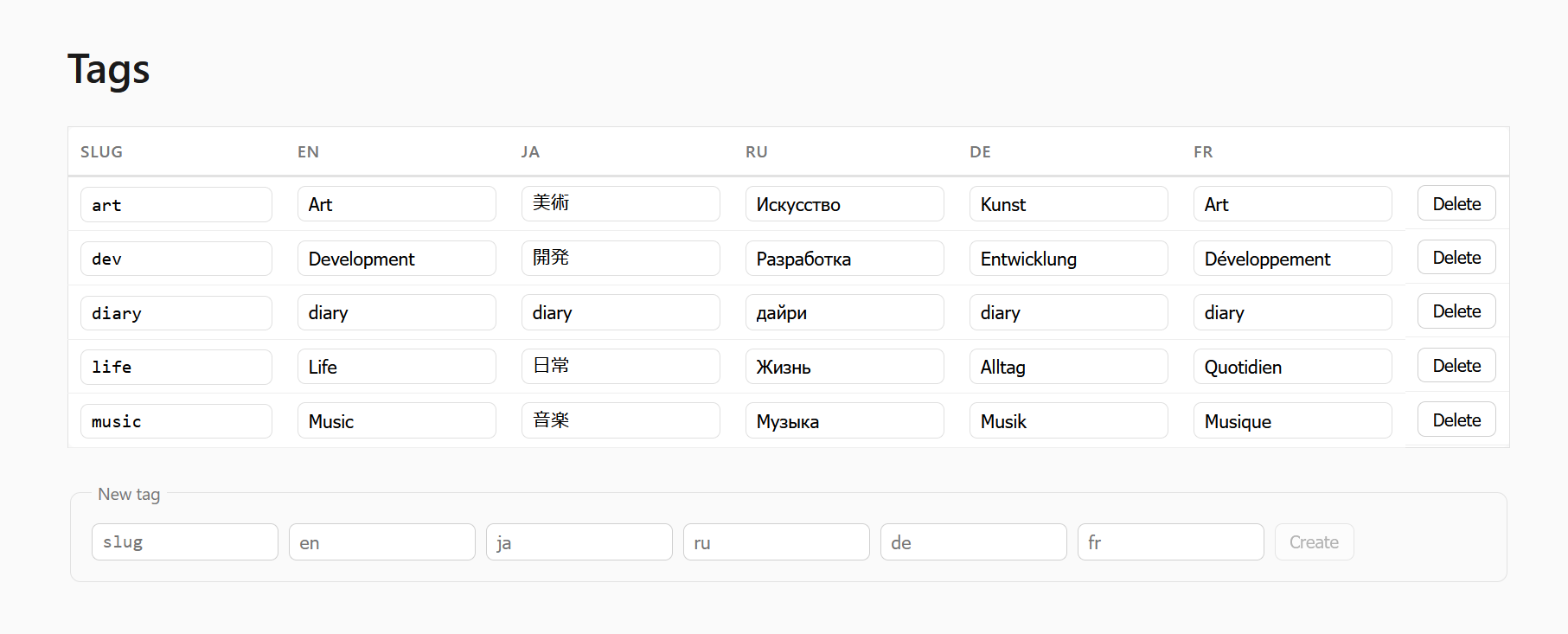
- Tag management (language-specific names), link management per article.
Phase 3 ── Console: Upload
In this phase we implemented the image upload feature.
-
Server-side upload route: Accepts multiple files, supports jpeg/png/gif/pdf.
-
Images are processed with sharp: Longest side limited to 2000px, EXIF (after applying rotation) removed, thumbnails of approximately 400px are generated.
-
Files are decoded and verified (files with disguised extensions, such as
.txt, are rejected). -
File processing logic is defined by its MIME type ── This branching point later became the point for adding "audio/video" functionality.
-
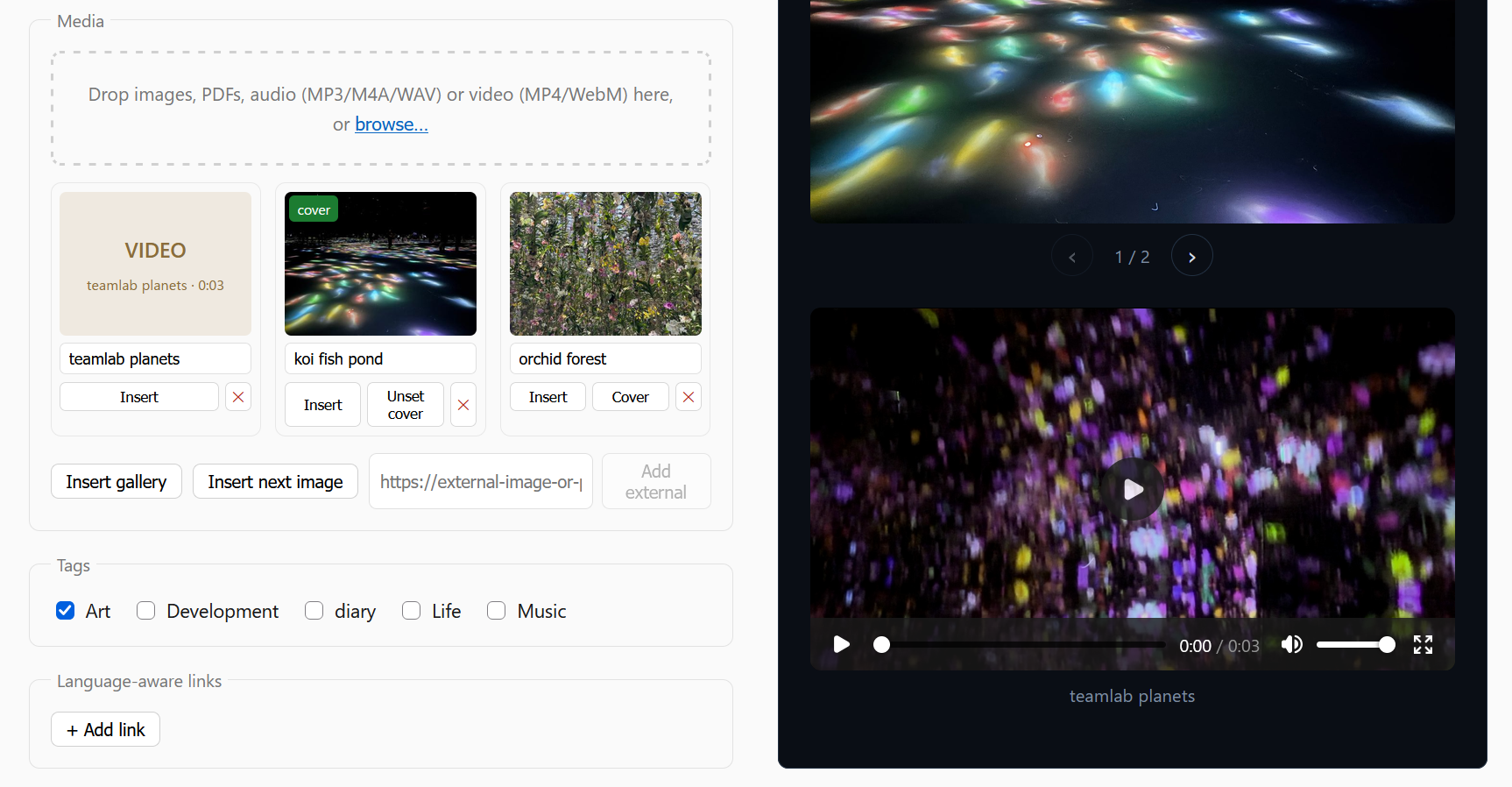
Editor media panel: Drag and drop multiple uploads, thumbnail grid with progress, alt text, sorting, delete (also deletes the storage entity), "insert" button.
-
Cover image selection.
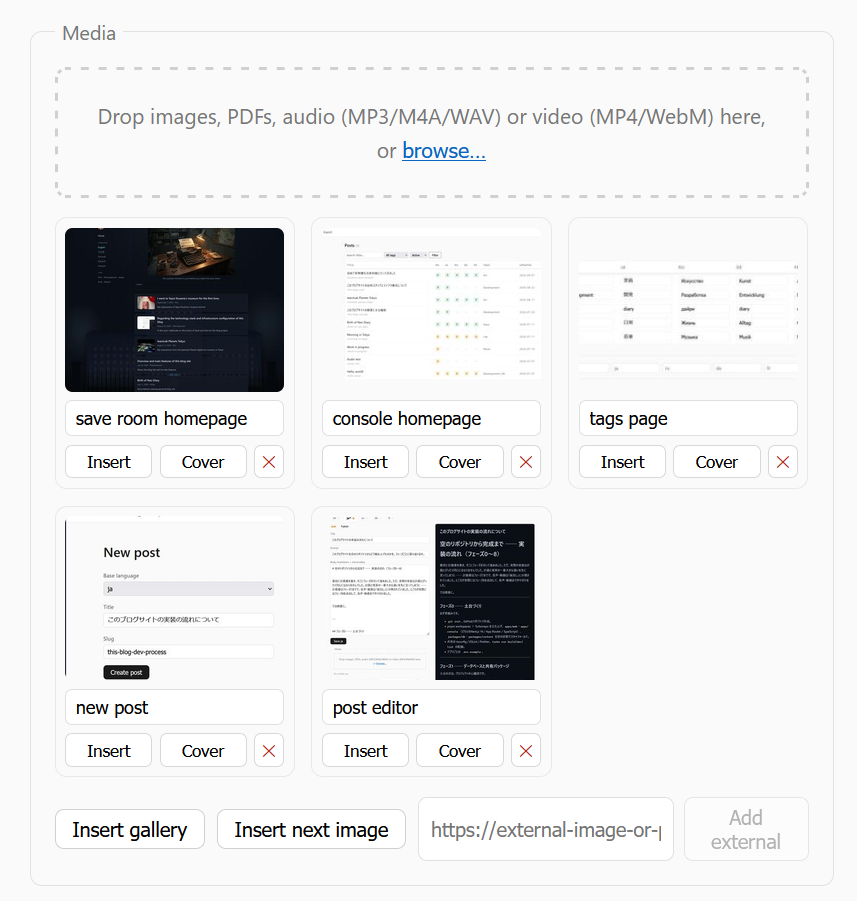
The choice to "sort logic by MIME type" in this phase created basis for Phase 8.
Phase 4 ── Console: Machine Translation
This is the core of the multilingual blog.
-
Wrap the Google Cloud Translation v3 client (direct REST access, service account authentication) in a server action.
-
Translation UI in the editor: Source is the base language, target is any combination of the remaining four languages using checkboxes.
-
Translation flow: Mask shortcodes, codes, and URLs → Translate title, excerpt, and body → Unmask → Save with
is_machine_translated = true/status = draft. -
When manually editing machine translation, update
edited_attimestamp while retaining theis_machine_translatedflag. "Re-translate (overwrite edits)" requires confirmation. -
Display character count per request (to be mindful of the free 500,000 character/month limit).
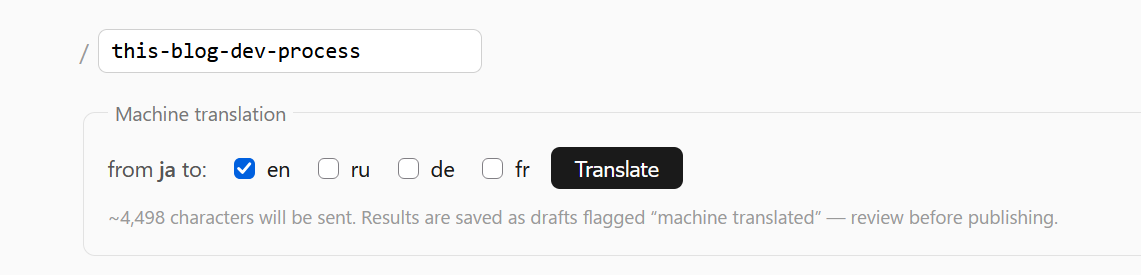
Confirmed: Even when translating English articles containing code blocks, shortcodes, and links into Japanese and German, the syntax and shortcodes remained intact. This confirmed that the masking design works with actual APIs.
Phase 5 ── Public Site: Core
In this phase we have finally created the reader side.
-
next-intl settings: Locale is obtained from
packages/db. The locale priority is defined by "URL locale priority → Accept-Language → English". Language switching rewrites the current path. -
Layout (CSS Modules, mobile-first): Sidebar (avatar, language switch, tag list, drawer on smartphones), header (title, alternating quotes), footer.
-
Article list
/{locale}: Only articles published in that language, with pagination. -
Article page
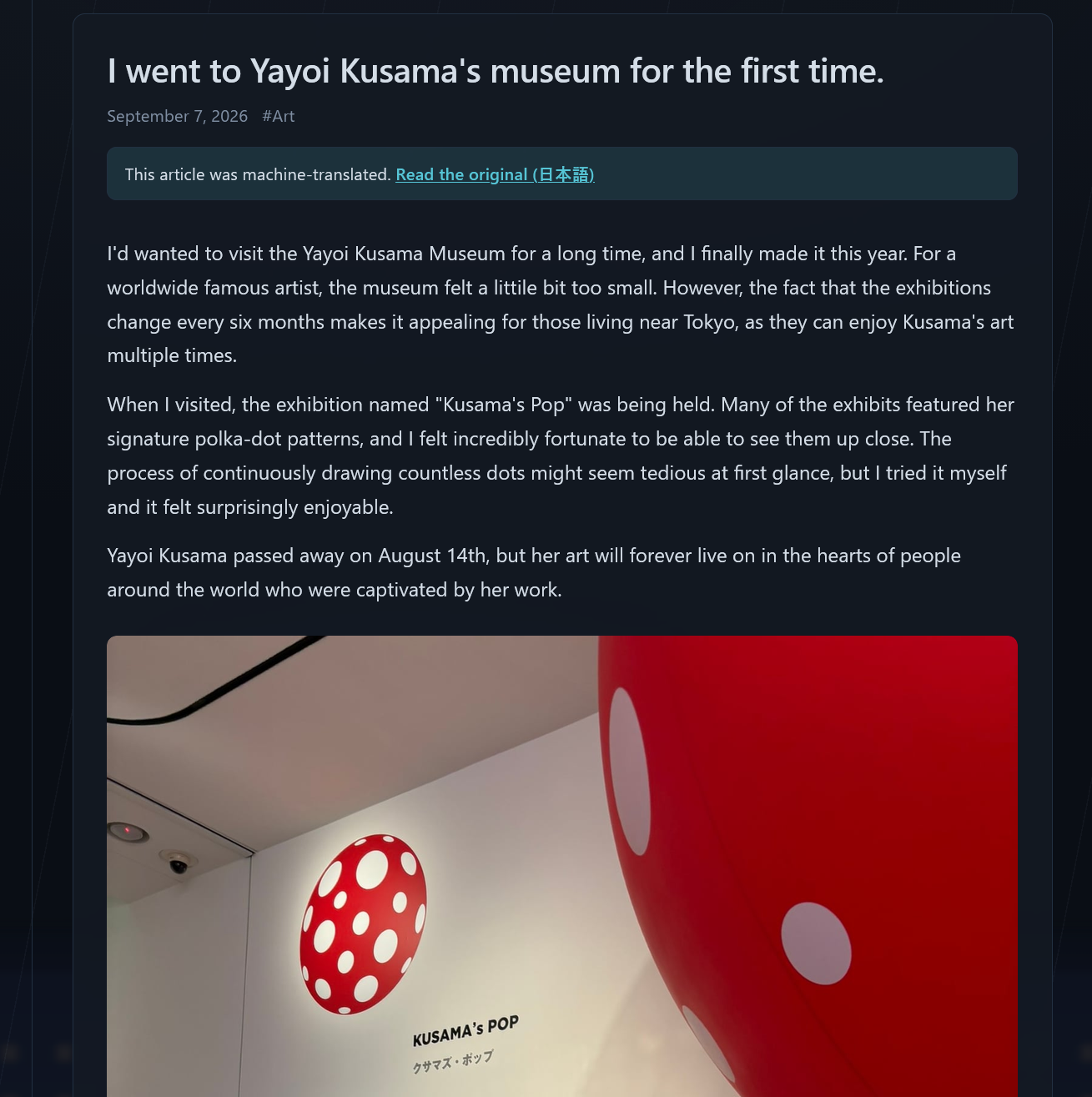
/{locale}/posts/{slug}: Full rendering inpackages/content. Images (Supabase host and external URLs),{{gallery}}Embla carousel, timestamped YouTube videos, PDFs, language-specific links, machine translation badge + original link.
- Tag page
/{locale}/tags/{slug}. - Rendering strategy is ISR. The console immediately reflects changes by hitting a re-verification endpoint with a secret key every time it's published/updated, with hourly re-verification as a fallback.
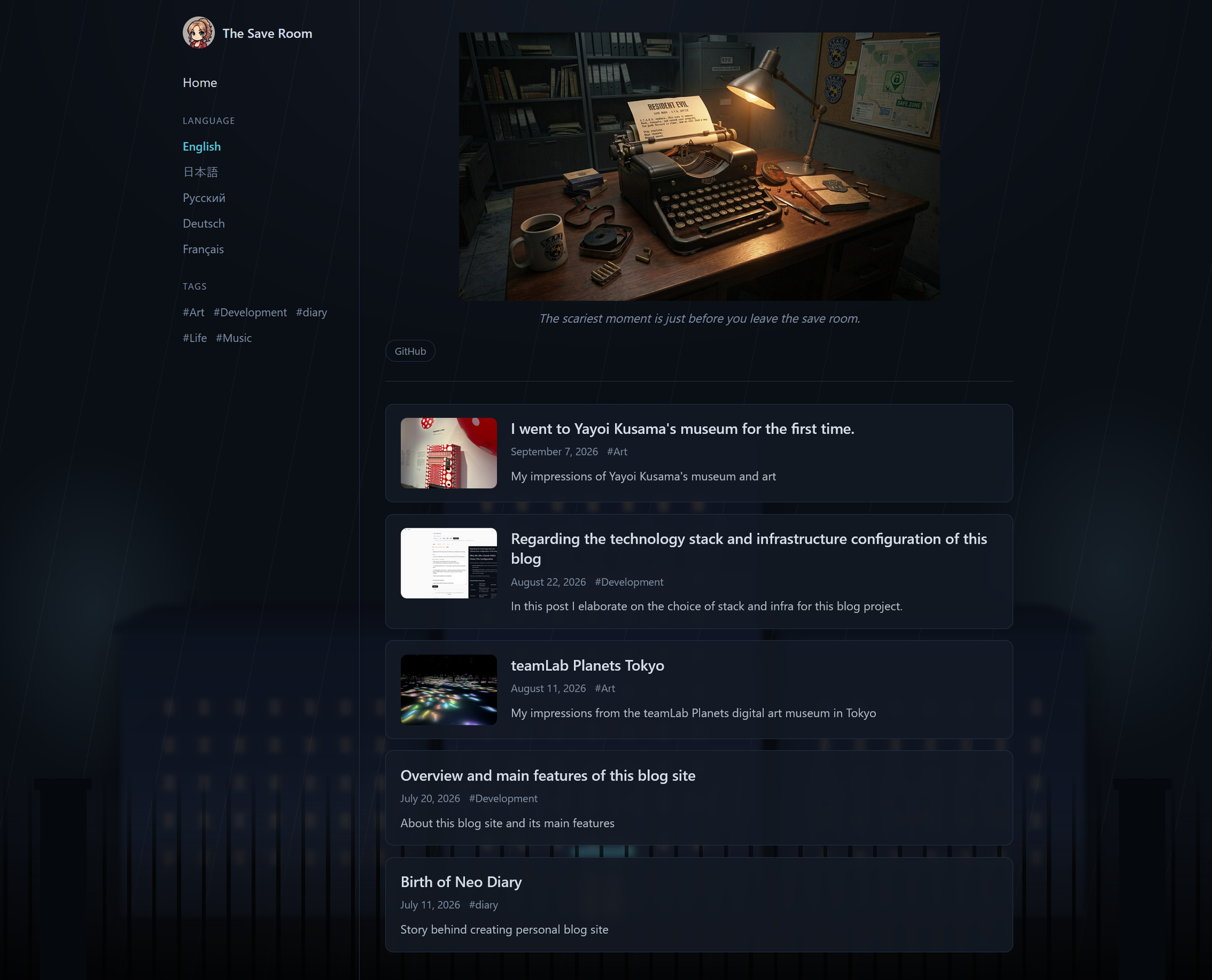
The shared rendering created in Phase 1 comes into play here. Since the console preview and the live site are rendered with the same code, there's no "it looked fine in the preview but broke in production" issue.
Phase 6 ── Live Site: SEO and Distribution
This is about building the unseen parts.
-
hreflangAlternative links (only for languages actually published in that language) +x-defaulton every page. -
Sitemap with embedded hreflang alternative links, robots.txt.
-
OGP/Twitter meta: Cover image, or if none,
next/oga 1200x630 title card generated on the fly. To ensure Japanese and Cyrillic titles display correctly, a subset of Google Fonts is loaded to match the title. -
Language-specific RSS feeds (
/{locale}/feed.xml).
I(Claude) ran into a problem with Next.js's metadata behavior, where it "replaces" rather than "merges" top-level keys. Therefore, a small workaround remains in this phase: re-specifying language-specific RSS links on each page each time.
Phase 7 ── Operation: Deployment, Backup, Archiving
This is the transition from "creating" to "operating."
- Two Vercel projects from the monorepo, environment variable settings.
- Export: A console action (an escape hatch for migration) that outputs a ZIP file containing all tables as JSON and all files, and a dry-run restore script that rolls back by default.
- Automatic Backup: Weekly backups using GitHub Actions (
pg_dump), uploaded to a private bucket, retaining the most recent 8 generations.
Phase 8 ── Audio/Video (The "postponed" part in the initial plan)
-
Implement Cloudflare R2 (S3 compatible, zero download charges).
-
Issue signed PUT URLs and upload audio/video directly to R2 from the browser (large files do not go through the server). Playback time and resolution are read by the browser before upload.
-
Use
{{audio}}/{{video}}shortcodes and a custom audio/video player (on top of the native<audio>/<video>). -
Accept only formats that the browser can actually play (audio: MP3/M4A/AAC/WAV/OGG/FLAC, video: MP4 (H.264/AAC) or WebM only. iPhone's
.mov/HEVC requires conversion).
- Added support for including audio and video in exports.
And here, the Phase 3 design pays off. Because in Phase 3 we structured it so that "the asset kind is just text, details are in metadata (JSONB), and processing logic is defined by MIME," no database migrations were needed to add audio and video. All we had to do was add a new storage destination (R2), create one branch in the MIME branching, and register two renderings in the shortcode registry.
We had classified things as "postponed" in the planning stage, but we properly designed them so they could be added in the future before postponing them. Therefore, when we changed our minds and decided to "make it after all," we could implement it without breaking changes. Personally(according to Claude), this was the best decision we made in this project.